
Last updated:
The list
Open Money › Recipients.
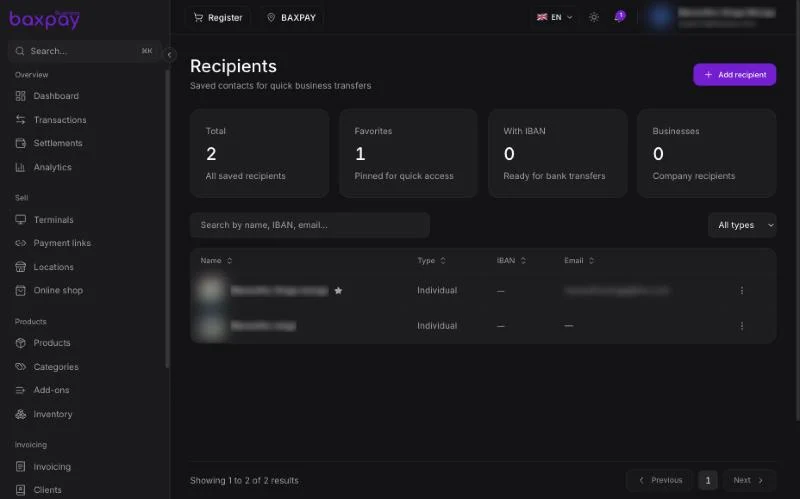
The counters show all saved recipients, your favorites, those with an IBAN (ready for bank transfers) and how many are businesses.
Search by name, IBAN or email, and filter by individual, business or favorites.
Add a recipient
- Select Add recipient.
- Choose individual or business.
- Enter the name, and the email if you want to send them a notice.
- Add their IBAN to pay them by bank transfer.
- Save.
Pin the people you pay most often as favorites; they appear first.
Good to know
- A recipient without an IBAN is saved but cannot receive a bank transfer until you add one.
- Transfers from your own BaxPay business account follow your account's verification level. See Onboarding & verification.
Next: Bookings →