
In store
Preview Access onlyGet paid with your Android phone.
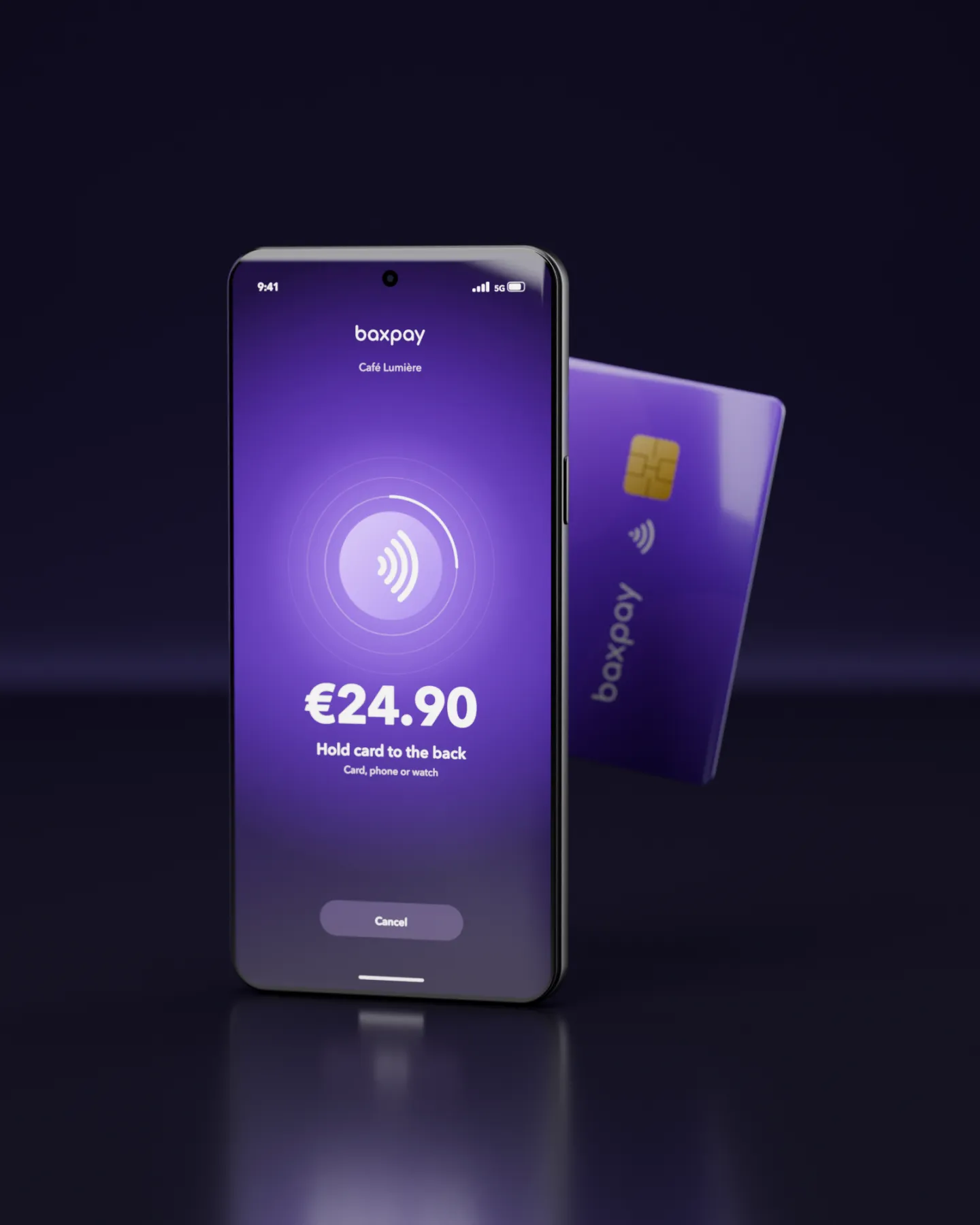
With Tap to Pay on Android™, the BaxPay Business app accepts contactless cards and digital wallets on a compatible Android phone, with nothing else to set up.
Available to selected businesses during early access — opening more broadly soon.
Android is a trademark of Google LLC.
One app, the phone you already have
Open the BaxPay Business app, enter an amount or pick a product, and your customer holds their contactless card, phone or watch near the back of your phone. The payment appears in your sales with everything else you take through BaxPay.
The same products and prices as your payment links and online shop, and the same settlements to your bank.
- Contactless cards and digital wallets
- Amount typed or picked from your products
- One sales list and one settlement for everything
Preview Access today
Tap to Pay on Android is in Preview Access for selected businesses while we open more countries and devices. Ask for access when you sign up, or through Contact.
From sign-up to first payment
Create your business account
Sign up for BaxPay Business, as a company or as a freelancer.
Ask for Preview Access
Tell us when you sign up, or through Contact, that you want to take payments on your Android phone.
Take a payment
Enter the amount or pick a product; your customer holds their card, phone or watch near the back of your phone.
Questions businesses ask
Which phones does it work on?
A compatible Android phone with NFC. Availability also depends on the country.
Can freelancers use it?
Yes. Freelancer accounts on BaxPay Business can ask for Preview Access too.
Take your first payment on your Android phone.
Create your business account and ask for Preview Access to Tap to Pay on Android.